
• TRY THE DEMO
֍ .imegica. BedRock House v2
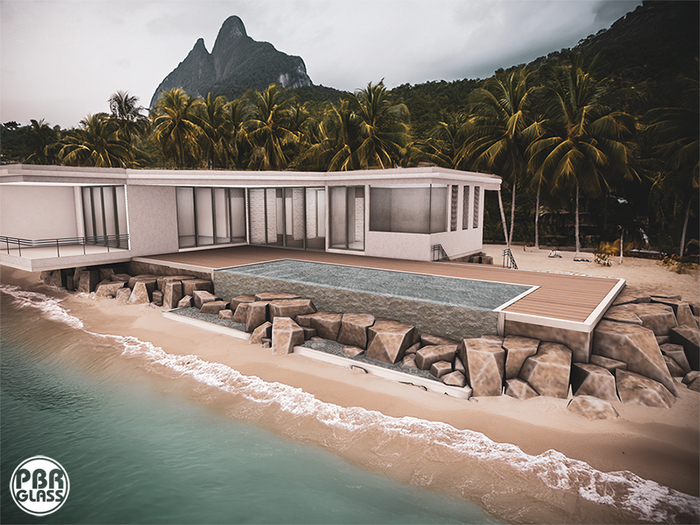
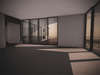
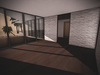
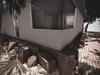
• House: 107 land impact.
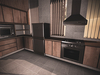
• kitchen decor: 36 land impact.
• Bathroom decor: 15 land impact.
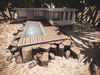
• Swimming pool with single poses+cuddles.
• Individual inner rezz for kitchen & bathroom driven by menu.
• Double texture layers "PBR + Standard Textures".
• 2048 sqm or more. 100% original mesh.
• Modify, copy, no transfer. [no mod in the DEMO version].
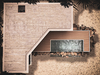
• Size: 44 meters wide x 28 meters depth x 8.2 meters high.
• Item Compatible with (no PBR) old viewers.
• TRY THE DEMO ON YOUR LAND
֍ Decor content:
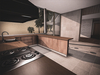
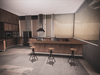
• Wooden kitchen with poses - 27 li
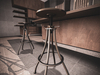
• Barstool with poses - 3 li each
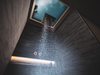
• Shower with poses + cuddles - 6 li
• Shampoo - 1 li
• Roll paper - 1 li
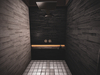
• Toilet with poses - 3 li
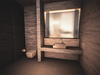
• Bathroom sink with poses - 4 li
֍ About Decor Rezz Menu:
• You can found the rezz switch near the door at the kitchen and the bathroom
• [ Rez ] Will place all decor in your "room" aligned and positioned. If you move the "house", the decor will follow it until you find the best place to keep your building there.
• [ DeRez ] Will remove all decor from your "house".
• [ Store ] Position and rotation data will been stored in the object descriptions.
• [ Access Contr ] This option you will set who can use your inner rezz menu, everyone, land group or owner. For default the rezzBox is set only for the owner.
• [ Finish ] This option will kill the scripts inside the decor. Do it only after find the preferred place for your building. This action cannot be undone.
• [ Rez Options ] This button should be ignored for this building in specific.
• [ Cloak ] This button should be ignored for this building in specific.
• [ Terraform ] This button should be ignored for this building in specific.
֍ About the doors options menu:
• To open the menu, just hold the left mouse button at the door, slide out, and release it.
• [Access] Just check or uncheck who can use the door, only owner, group or everyone.
• [Opening] Set if the door will open manually or automatically.
• [Closing] Set if the door will keep opened in manual, will close automatically or close after a specific time.
• [Synchro] If necessary, you can change the channel number to avoid any conflict caused for other doors near less than 20 meters. This feature is for when 2 or more doors that open on the same time with a one click affect other doors.
• [Finish] Is necessary to save your changes or just close the menu.
• Why you shouldn't unlink a mesh building:
After a building is linked, the parts are set individually. To define which part will be solid and others will be phantom. When you unlink it, all parts lose they properties and you will have many issues to use the building correctly.
֍ Policy:
• BEFORE BUYING, TRY THE DEMO. ..::NO REFUNDS::..
֍ Any doubt or question, contact Jacob Brenner.
- PBR Glass
- Infinite edge pool
- cuddles poses on the water & shower
- custom kitchen included
- bathroom pieces included


Perfect!
Super well made house and very clear and clean to set up and get started!
Lovely!
I am in love with the options when it comes to bathroom and kitchen. i stuck two of these builds to each other to create a bigger home and a resort type of deal :) i love it! Thank you so much for this masterpiece! <3