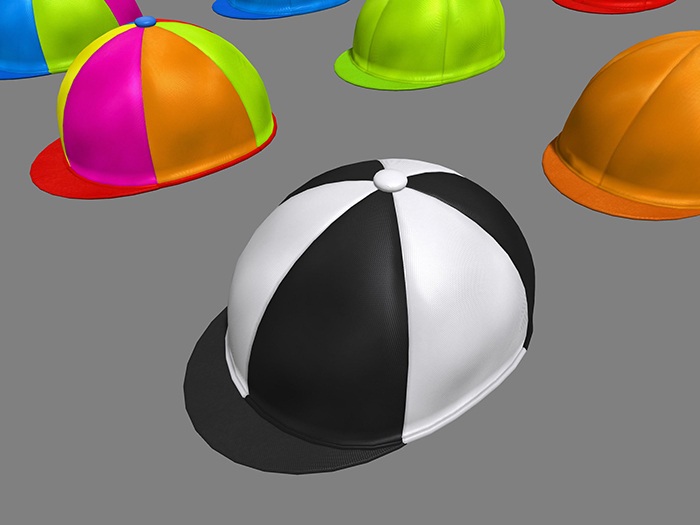
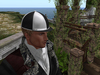
Multicolour Riding Cap and Jockey Cap
This riding cap was lovingly created using only the finest mesh in Blender and Photoshop, it's 100% original work.
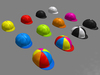
The cap has nine colourable areas accessible from the texture menu. Each panel can be textured individually. There are eight predefined colours on the menu. This gives a huge number of combinations for your horse riding pleasure.
Total of 268,435,456 possible colour variations! (I think, the first person to count them all, and take photos of each one, I'll refund the cost of your cap ;)
Advanced texture materials have been used so the cap looks best if your viewer has that enabled. However, turning it off on the cap's menu gives a different look to the cap's 'material', doubling your choices, and lowers the render cost if you just don't use advanced materials.
The cap is copy/mod (except the script) and being a single piece mesh is very easy to adjust for fit in all directions. Just use the standard editing controls.
You can set the cap to the white texture which makes it easy to add whatever colour tints you want with the standard edit controls. Proper textures always look a little better than tinting though, hence the eight texture colours included.
The standard textures are UV mapped for efficiency. The faces can be reset (manually) to 1:1 mapping, making it really easy to apply any normal texture. Basic editing skills are needed of course.
See item in Second Life- Eight colours, Nine colourable locations
- Materials enabled, with On/Off
- Single piece mesh, easy to adjust for fit
- Texture menu
- Easy texture mapping for tinting and your own textures


