Detalhes
Destaques
Conteúdo
Resenhas
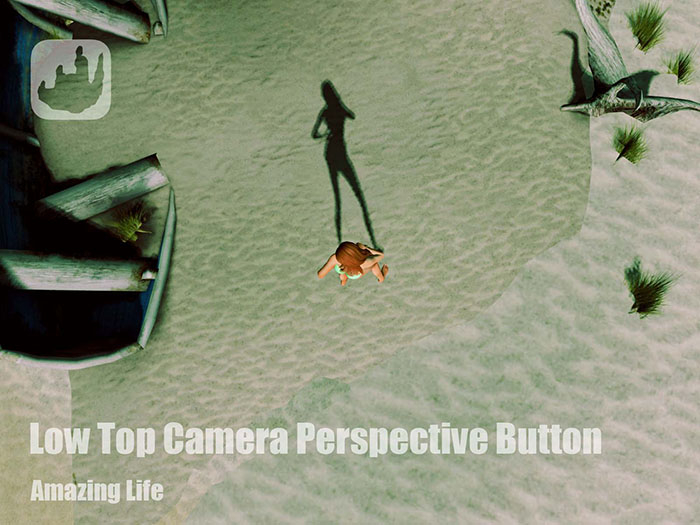
This is a HUD to touch to switch to Low Top camera perspective, a perspective that focuses on avatar form Top with a lower level than Top camera perspective.
Add(wear) it, touch the HUD in screen top left to switch.
B version is the one that you can touch the second time to turn off.
If it doesn't work, try to press Esc to quite Object View.
- Access to Avatar Top View by one click
- A quick way to watch avatar from top.


![Round Camera Button [AROUND U]](https://slm-assets.secondlife.com/assets/32166257/view_small/Round%20Camera%20Perspective%20Button%20ad.jpg?1663945265)
![Overlook Button [Focus on you with overview landscape]](https://slm-assets.secondlife.com/assets/32166259/view_small/Overlook%20Camera%20Perspective%20Button%20ad.jpg?1663945294)

![Over the Shoulder Button [Third-person perspective]](https://slm-assets.secondlife.com/assets/32166262/view_small/Over%20the%20Shoulder%20Camera%20Perspective%20Button%20ad.jpg?1663945342)
![[T] Low Top Camera Perspective Button](https://slm-assets.secondlife.com/assets/32312395/view_small/Low%20Top%20Camera%20Perspective%20Button%20ad.jpg?1666536445)