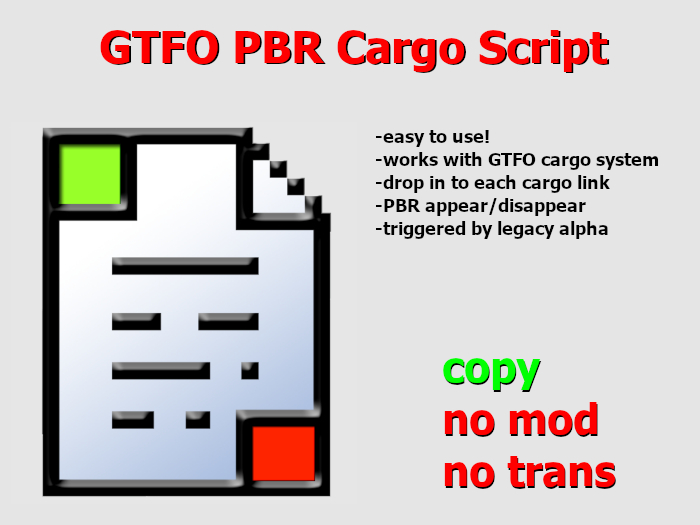
GTFO PBR Cargo Script Instructions
The well-known GTFO cargo system is only programmed to work with legacy textures, so when you add cargo objects to your GTFO vehicle, they have to be legacy only.
This script allows you to have the same function but with PBR textured objects instead. The script will sense whenever the legacy alpha underneath changes from 0.0 to 1.0, and then changes the PBR alpha state.
1. Rez your vehicle that has PBR on the cargo objects. These should be named "CARGO!1, CARGO!2" etc.
2. "Edit linked" and go to the contents tab for each cargo link.
3. Drop the script "gltf alpha cargo script 0.01" into each PBR cargo link contents. Each PBR cargo object will need to have its own copy of this script. Objects with legacy-only textures will not need it.
4. Now your PBR objects will hide/show when you load/unload cargo!
See item in Second Life- easy to use
- drop in to each cargo link


