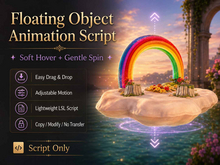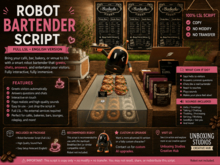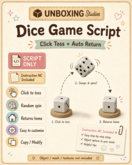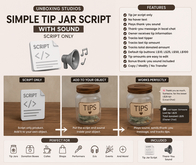

Create simple animated poseballs for furniture, props, photography setups, roleplay items, and decorative scenes in Second Life.
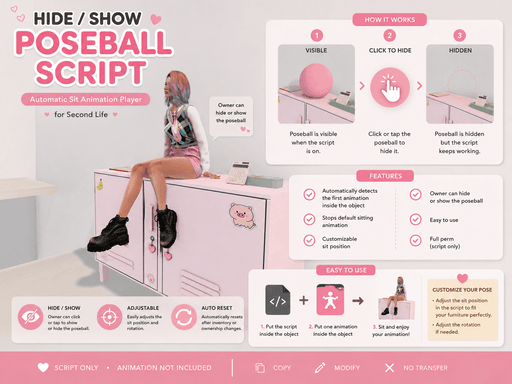
This easy-to-use poseball script automatically detects the first animation placed inside the object and plays it when an avatar sits. The animation stops when the avatar stands up.
The object owner can also click the poseball to hide or show it, helping creators keep their setup clean while the pose is in use.
Features
Automatically detects the first animation inside the object
Plays the animation when an avatar sits
Stops the animation when the avatar stands
Stops the default Second Life sitting animation
Owner-only hide and show function
Customizable sit position
Customizable sit rotation
Automatically resets after inventory or ownership changes
Includes an English instruction notecard
No animation name needs to be entered into the script
How to Use
Place the script inside a prim.
Place one animation inside the same prim.
Sit on the object to test the pose.
Click the object as the owner to hide or show it.
Edit the sit-position values inside the script when adjustment is needed.
Important Information
Animation is not included.
The script uses the first animation found inside the object.
For best results, place only one animation inside the poseball.
Looping and animation priority must already be configured in the animation itself.
Basic LSL editing knowledge may be required to adjust the sitting position.
This is a script product, not a finished furniture item.
Included
1 poseball script
1 English instruction notecard
1 pose ball
Suggested Permissions Section
Permissions: Copy / Modify / No Transfer
Adjust this section to match the actual permissions of your product.